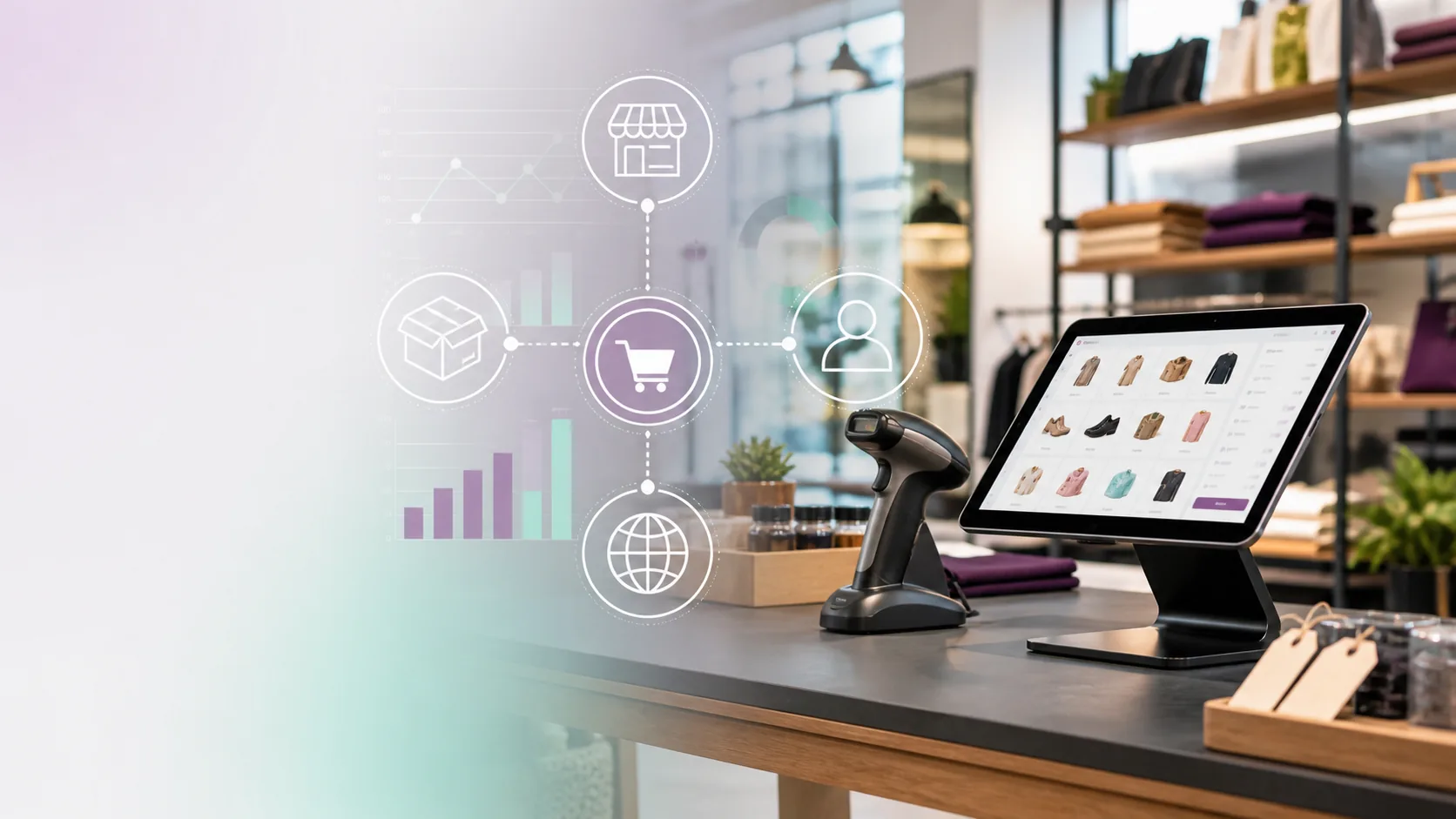
Short answer: Shopify POS integration should connect inventory, local discovery, ecommerce, pickup, customer service, and reporting so the store feels like one business online and in person.
What a good Shopify POS setup should solve
A POS migration is not just a checkout decision. It affects how products appear online, how staff answer availability questions, how customers buy for pickup, how local pages rank, and how owners read performance. If the backend is messy, the customer experience usually becomes messy too.
Retail pages that support the system
- Location pages with hours, pickup rules, store services, appointment options, and local proof.
- Collection pages that explain categories instead of showing only inventory.
- Product pages with availability, sizing, care, compatibility, and service notes.
- Appointment pages for high-consideration purchases such as jewelry, bikes, footwear, fashion, or specialty gear.
- FAQ pages for returns, pickup, special orders, repairs, financing, and local delivery.
Where POS and SEO connect
Search engines and AI tools do not see your internal operations directly, but they do see the customer-facing results: clear inventory categories, consistent local details, helpful product information, and pages that explain what the store can actually do. Better retail operations make it easier to publish better pages.
How Brick & Pixel helps
Brick & Pixel helps specialty retailers move to Shopify, clean up website structure, design storefronts that are easier to buy from, and connect online visibility to store operations. Start with migration if the platform is the blocker, or website design if the store is already on Shopify but not converting.